
EzyCarto POS
Sell from a supported phone or tablet with product scanning, cart or manual-amount checkout, Tap to Pay where eligible, and shared product and stock context from EzyCarto Back Office.


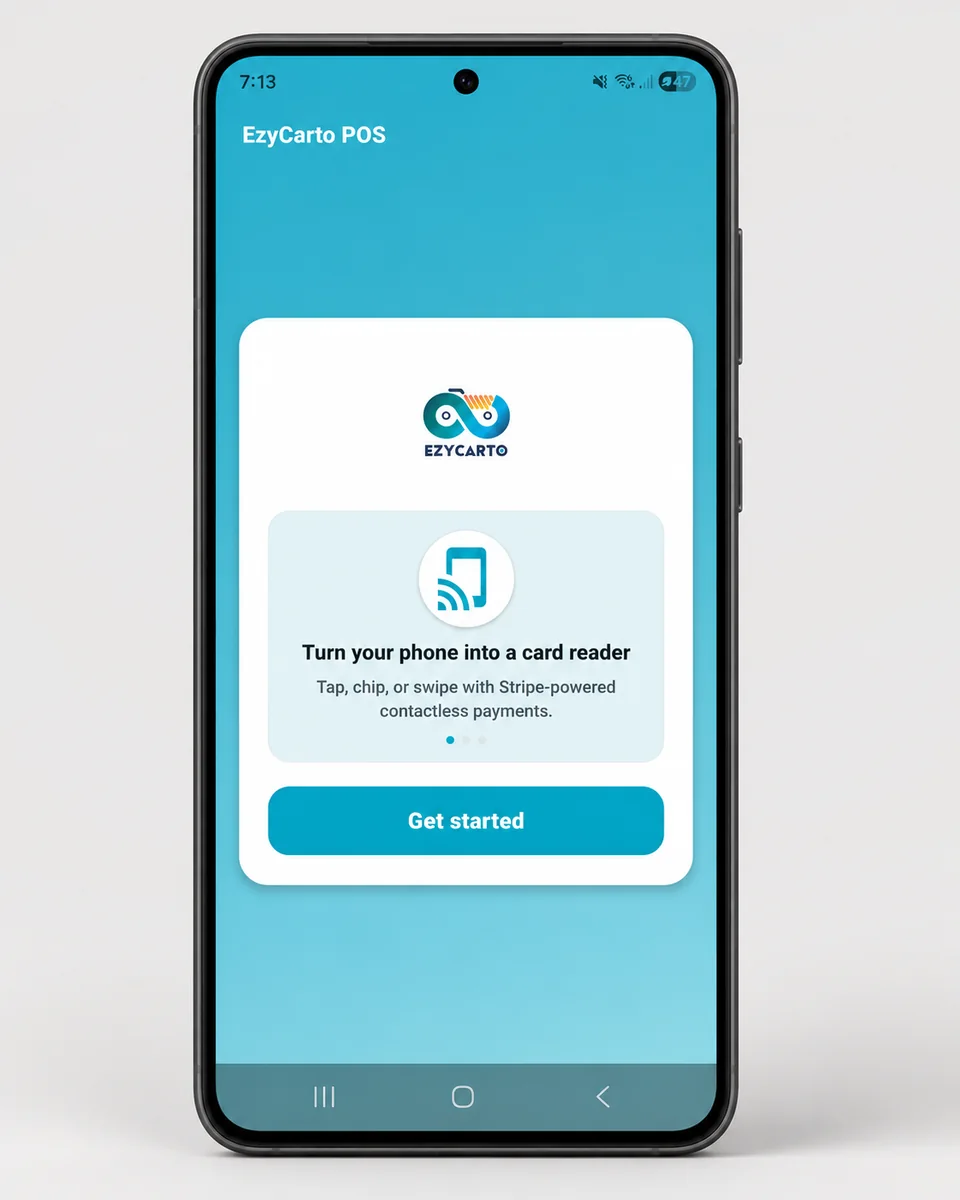
What EzyCarto POS does
Retailers and authorised store staff
EzyCarto POS is the mobile merchant application published under that exact name on Apple App Store and Google Play. It is separate from the Windows EzyCarto Checkout station application.
Staff can build a cart by search or camera barcode scan, restore a compatible shopper cart by QR, apply supported discounts, and move from the calculated total to payment in one mobile workflow.
The app connects to the retailer's EzyCarto business setup for store selection, product information, inventory visibility, sales records, and authorised team access.
What you can do
Mobile selling
Create a product cart or enter a manual amount for an in-person sale from a supported phone or tablet.
Tap to Pay
Accept supported contactless cards and digital wallets on an eligible iPhone or Android device after payment setup.
Camera barcode scan
Use the device camera to add products and review available product or stock details.
Shopper cart restore
Scan a compatible EzyCarto cart QR and continue the same basket at a staffed mobile checkout.
Stock visibility
View product and location inventory made available by the connected Back Office setup.
Receipts and sales sync
Complete supported transactions and return the resulting sale and receipt context to the EzyCarto platform.
Requirements
- A supported iOS or Android phone or tablet.
- An EzyCarto business account, configured store, and authorised staff access.
- An eligible device, country, and Stripe merchant setup for Tap to Pay or a compatible configured reader.
Limitations and conditions
- Tap to Pay availability depends on device capability, operating-system version, country, and Stripe eligibility.
- Payment acceptance, product visibility, discounts, and cart restore depend on the retailer's configuration and plan.
- EzyCarto does not currently advertise offline selling or offline payment; plan for a reliable internet connection during sales and payment workflows.
How it connects to the EzyCarto platform
These are separate applications and surfaces with explicit roles. They connect through the retailer's configured EzyCarto business context.