
Compare the systems. Choose the better retail journey.
See where Square POS, Shopify POS, Lightspeed, and EzyCarto fit. Then look beyond the feature list to the journey EzyCarto connects: shopper app, mobile POS, fixed checkout, and Back Office.
If disconnected checkout and inventory are slowing the store down, use the practical POS and inventory setup guide.
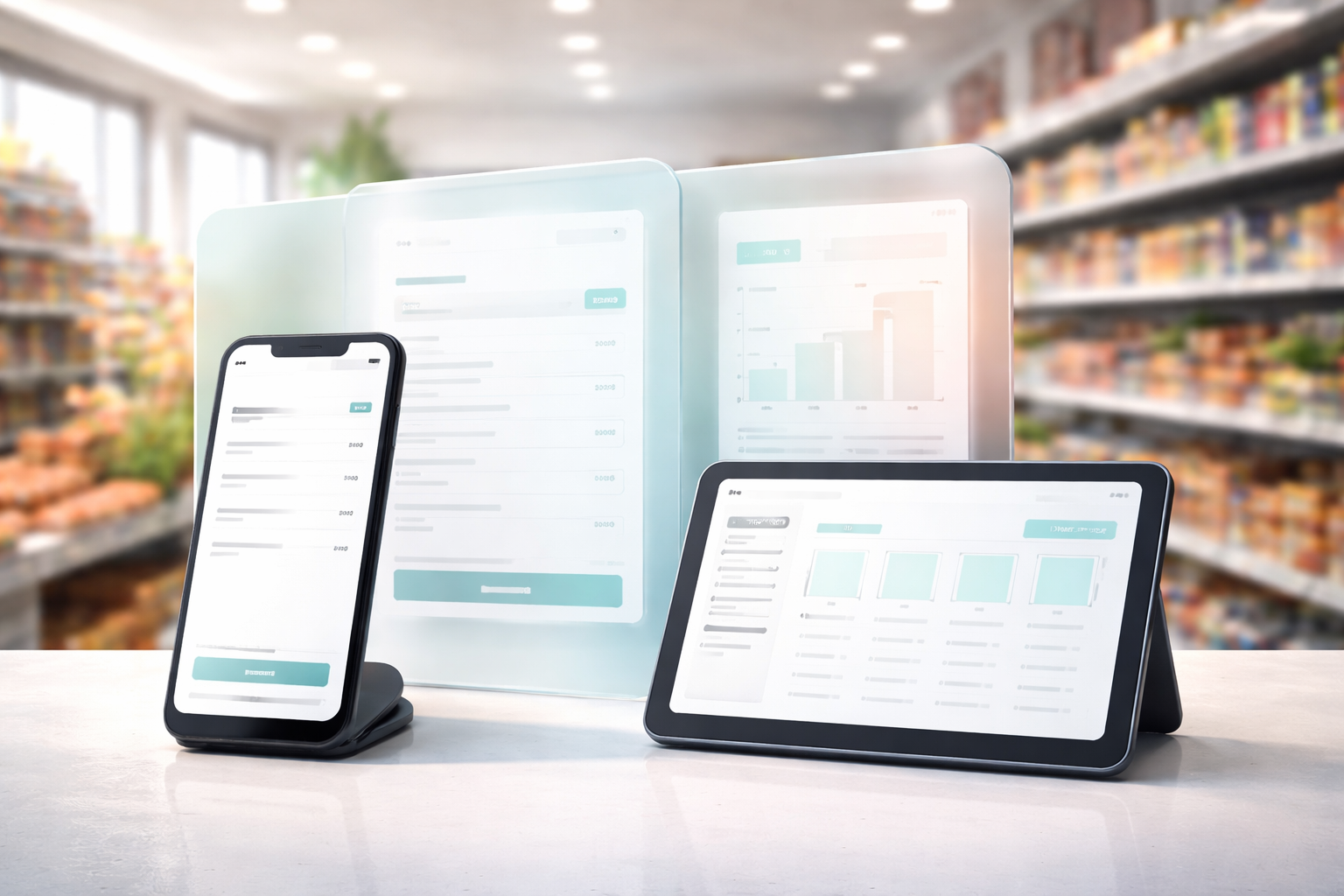
One retail journey, not another disconnected tool.
Many platforms solve one part of retail well. EzyCarto is designed to connect the shopper, the sale, and the people running the store.
Let shoppers start the journey
Customers can discover participating stores, scan supported products, and manage a live cart in the EzyCarto app.
Finish at the right checkout
A compatible cart can move to mobile POS, a staffed checkout, or a self-service station without rebuilding the basket.
Keep retail operations connected
Products, stock, team access, rewards, communications, and reporting are managed from EzyCarto Back Office.
Choose the surfaces each store needs
Combine the shopper app, mobile POS, Windows Checkout, and browser-based Back Office around the retailer's setup.
Compare the features. Then test the journey.
Start with the Free plan or explore each EzyCarto product before deciding what belongs in your retail setup.
From comparison to implementation
The comparison narrows the shortlist. The POS + inventory setup guide for small retailers explains first-week setup, operating outcomes, and the structure of an audit or product demonstration.
Explore each shortlisted system
Each guide explains the strongest fit on both sides, the important trade-offs, and the EzyCarto workflow worth testing.
EzyCarto vs Square POS
Payments-first simplicity versus a connected shopper-to-store journey.
- Compare Tap to Pay, offline needs, and checkout flow
- See where shopper-led scanning changes the experience
- Match the decision to the store’s required workflow
EzyCarto vs Shopify POS
Online-commerce strength versus connected in-store checkout choices.
- Compare in-store flow, access, and checkout options
- See how Scan-Pay-Go and cart handoff fit the journey
- Choose between online-first and store-first priorities
EzyCarto vs Lightspeed Retail
Inventory-led retail software versus a connected retail ecosystem.
- Compare inventory, purchasing, and offline priorities
- See mobile, staffed, and self-service checkout choices
- Choose depth in one area or continuity across the journey
Side-by-side overview
Use the overview to narrow the options. Where a capability varies, the detailed page explains the conditions.
| Category | EzyCarto | Square POS | Shopify POS | Lightspeed |
|---|---|---|---|---|
| Tap to Pay (phone as card reader) | ||||
| Scan-Pay-Go shopper journey | ||||
| Cart handoff (QR → kiosk/cashier) | ||||
| Self-checkout / kiosk mode | ||||
| Offline selling / offline payments | ||||
| Purchase orders / vendor tools | ||||
| Loyalty / rewards | ||||
| AI insights | ||||
| Designed for | Connected retail journeys and unified operations | Fast setup with payments at the centre | Online and in-store commerce | Retail EPOS centred on inventory |
Finish the shortlist with a real test.
See how EzyCarto connects shopper-led scanning, mobile and fixed checkout, inventory, rewards, and reporting around one retail setup.
Start with the Free plan. Device, payment, and service availability varies by country, plan, and retailer setup.