

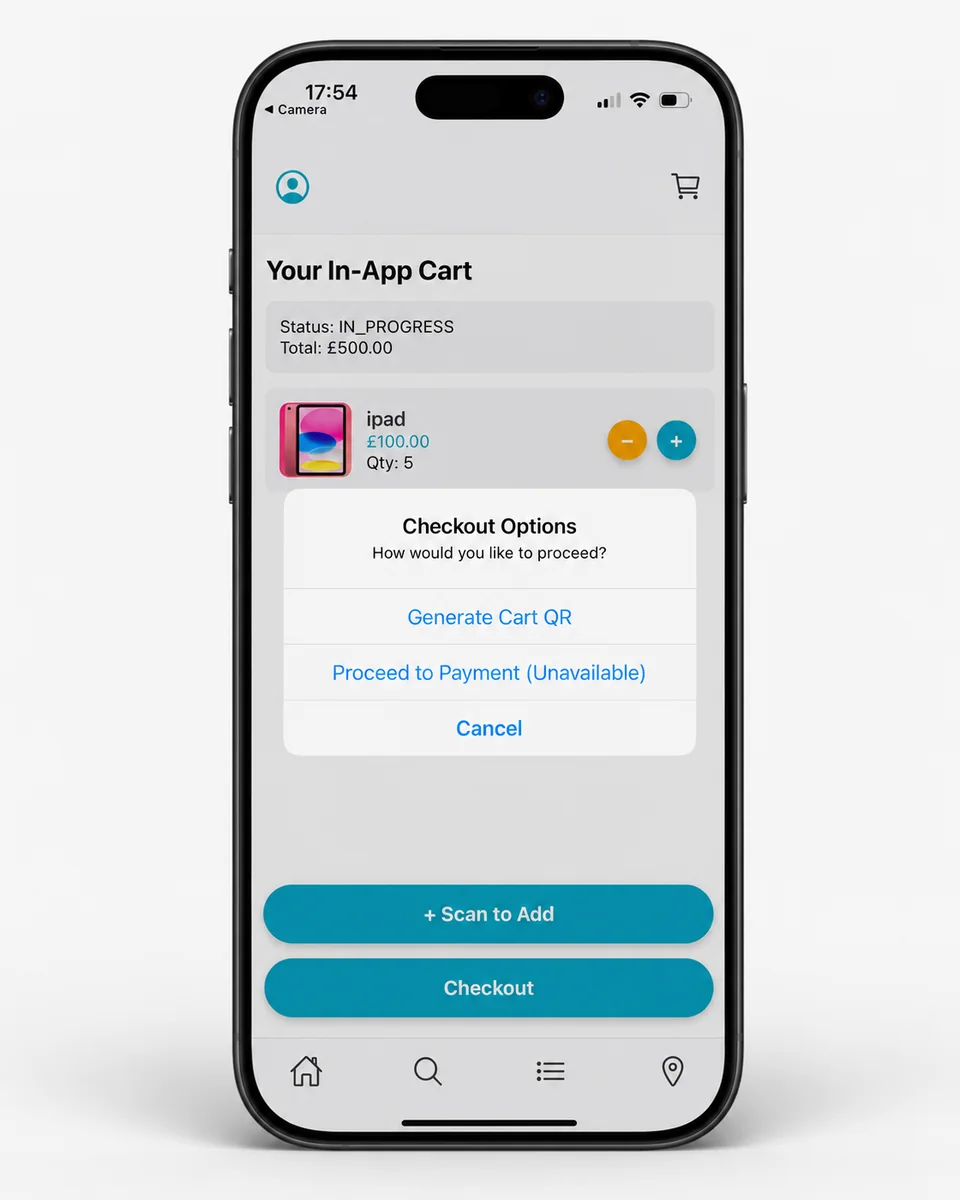
For shoppers
EzyCarto
Scan and manage a store-specific cart, then pay in-app or transfer where the participating retailer enables it.

THE CONNECTED RETAIL ECOSYSTEM
From stockroom to checkout, connect your inventory, shoppers, payments and loyalty. One ecosystem. Working together.
For single stores. Built to grow across locations.
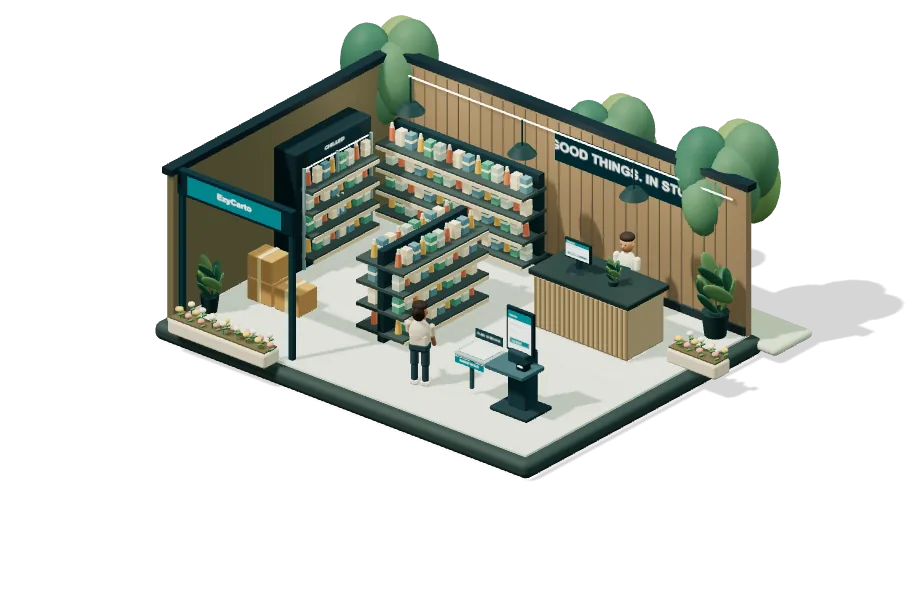 Choose a checkout path to explore the connected store.
A confirmed stock transfer brings the right products into the store.
Checkout, payments and rewards depend on retailer setup, supported devices and plan. Reduced motion is on. Select a milestone to explore at your own pace.
Nothing shares data or permissions. Staff juggle logins, spreadsheets and side systems just to keep doors open.
Queues grow, carts are abandoned and shrink risk rises when receipt checks are slow, inconsistent and easy to bypass.
SMBs overpay for bloated systems, while growing chains outgrow bolt-ons and rebuild from scratch.
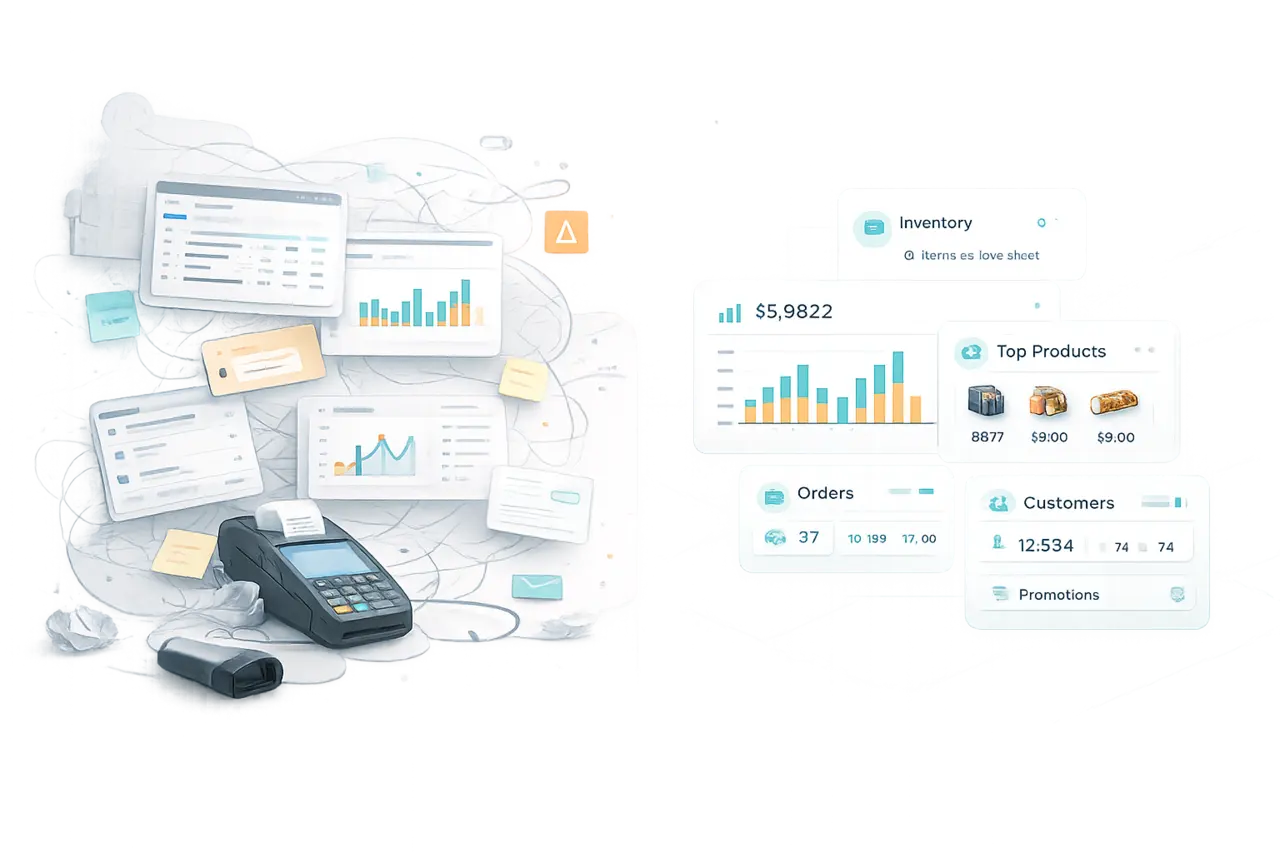

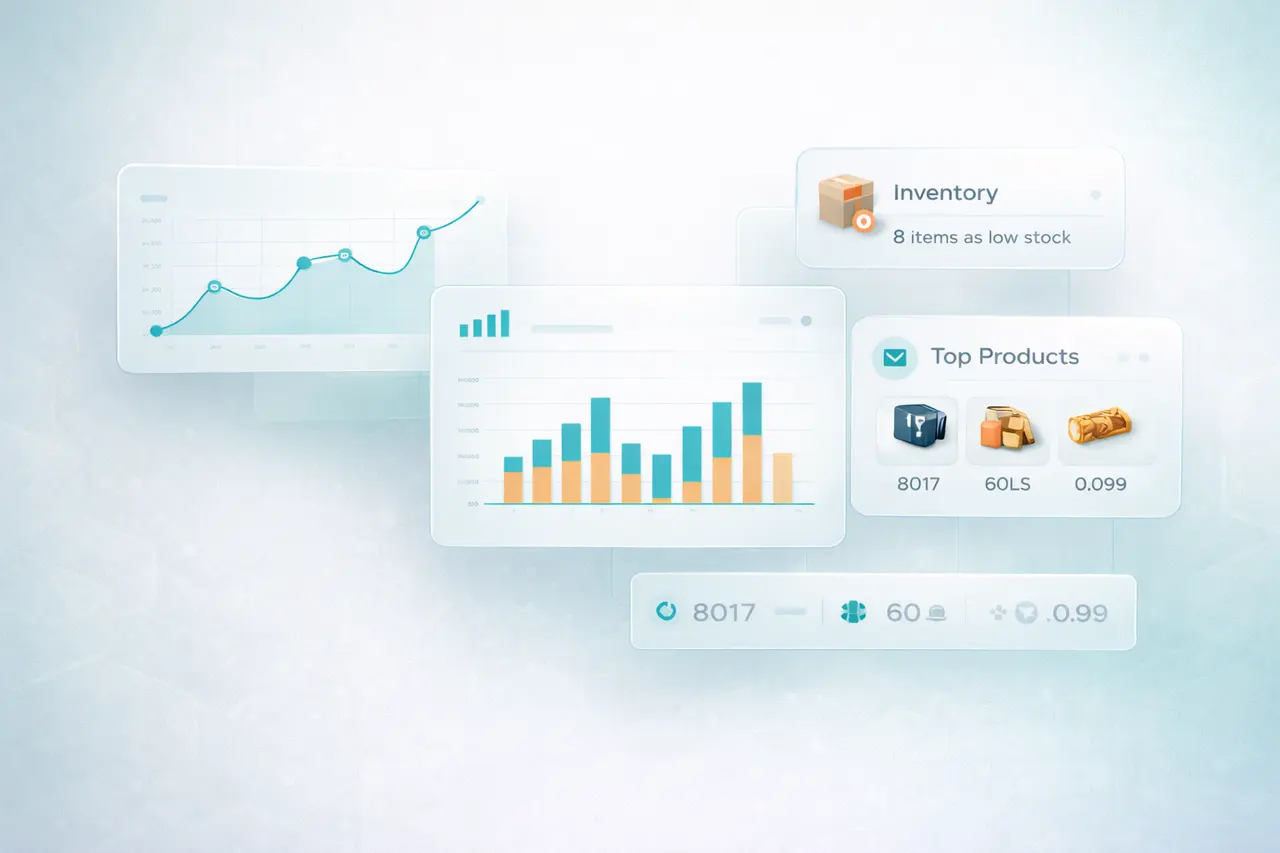
Track supported sales and stock movements across configured locations.
Know what’s hot, what’s not, and what’s next.
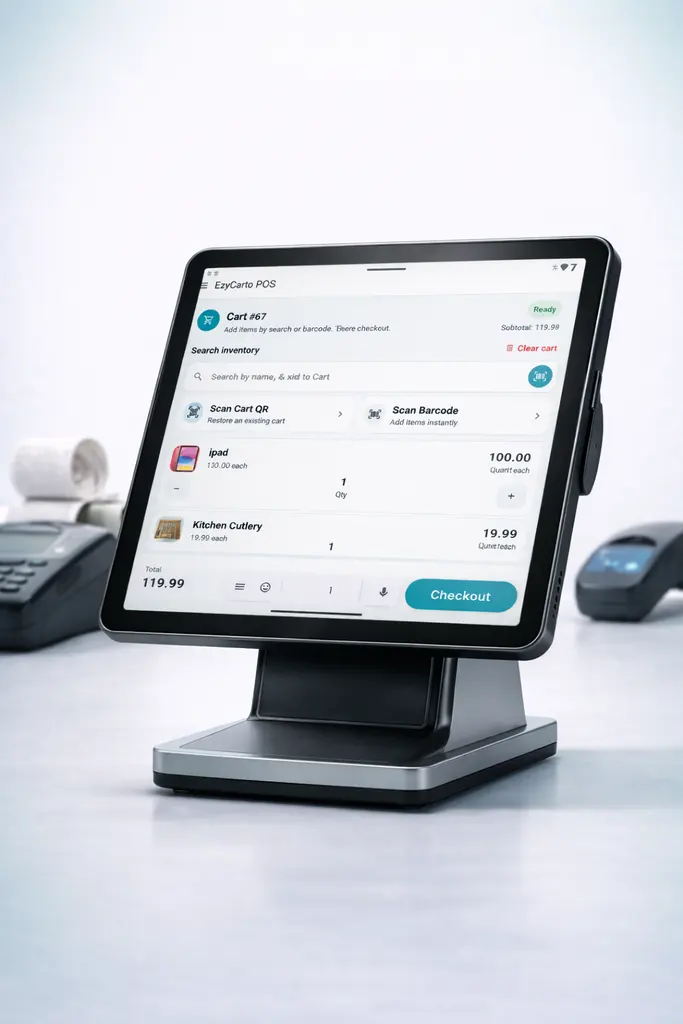
Enable supported in-app payment, cashier, or self-checkout paths.
Connect participating stores to the public EzyCarto iOS and Android app.
Add supported products with the EzyCarto app and a phone camera.
Use the payment or checkout handoff enabled by the retailer.
In-app payments require receipt validation at the exit. Cashier payments do not; self-checkout validates the basket by weight before payment.
Retailers can configure the supported Scan-Pay-Go paths that work alongside their EzyCarto cashier or self-checkout setup.
Disconnected retail tools can fragment product, stock, access, checkout, and customer context. EzyCarto is designed to connect the consumer app, mobile POS, Windows checkout stations, and Back Office around one retailer configuration.
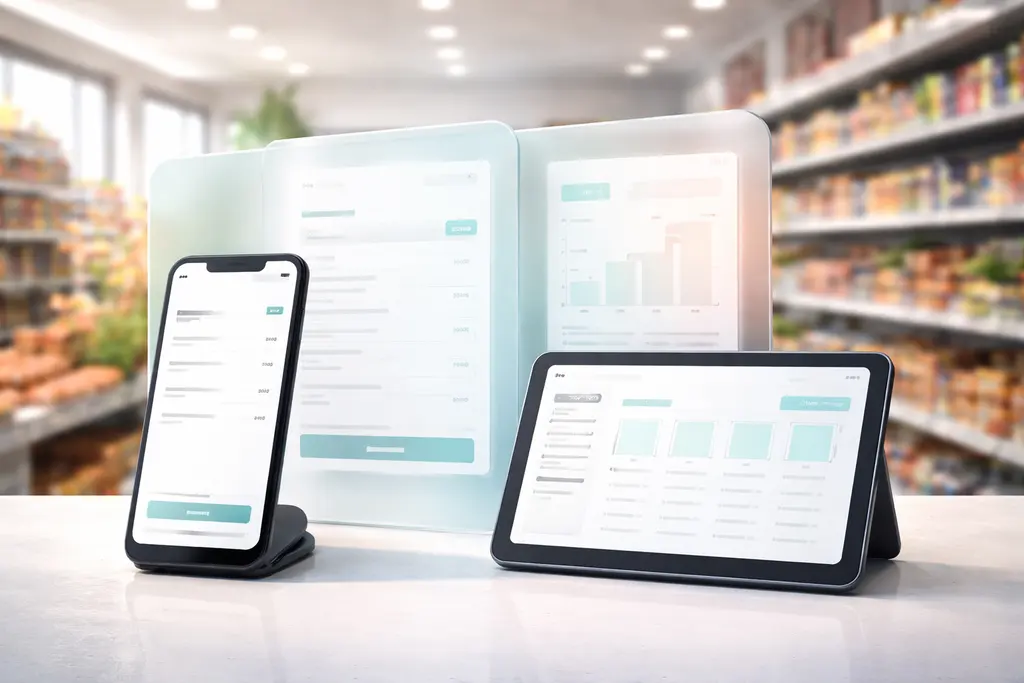
See the differences in checkout flows, Tap to Pay, inventory, loyalty, and what best fits your retail setup.
If your shortlist is really about making the store easier to run, read the POS + inventory setup guide for small retailers.
Compare optionsPractical product, operations and retail insights from the EzyCarto team.
Packing bags, cleaning supplies and workshop materials can leave the shelf without a sale appearing at the till. A workable usage record helps you see what needs replenishing without counting every item every day.
One report says sales are healthy. Another shows a smaller sales total and a reassuring margin. Before deciding which to trust, check which orders and costs each report actually includes.
A promotion can bring someone back quickly, but it does not always create loyalty. Use this practical test to give first-time customers a reason to return without making another blanket discount inevitable.
Four connected surfaces, each with a clear role. App availability, retailer participation, devices, plans, and payment setup determine which workflows are available.
Scan and manage a store-specific cart, then pay in-app or transfer where the participating retailer enables it.
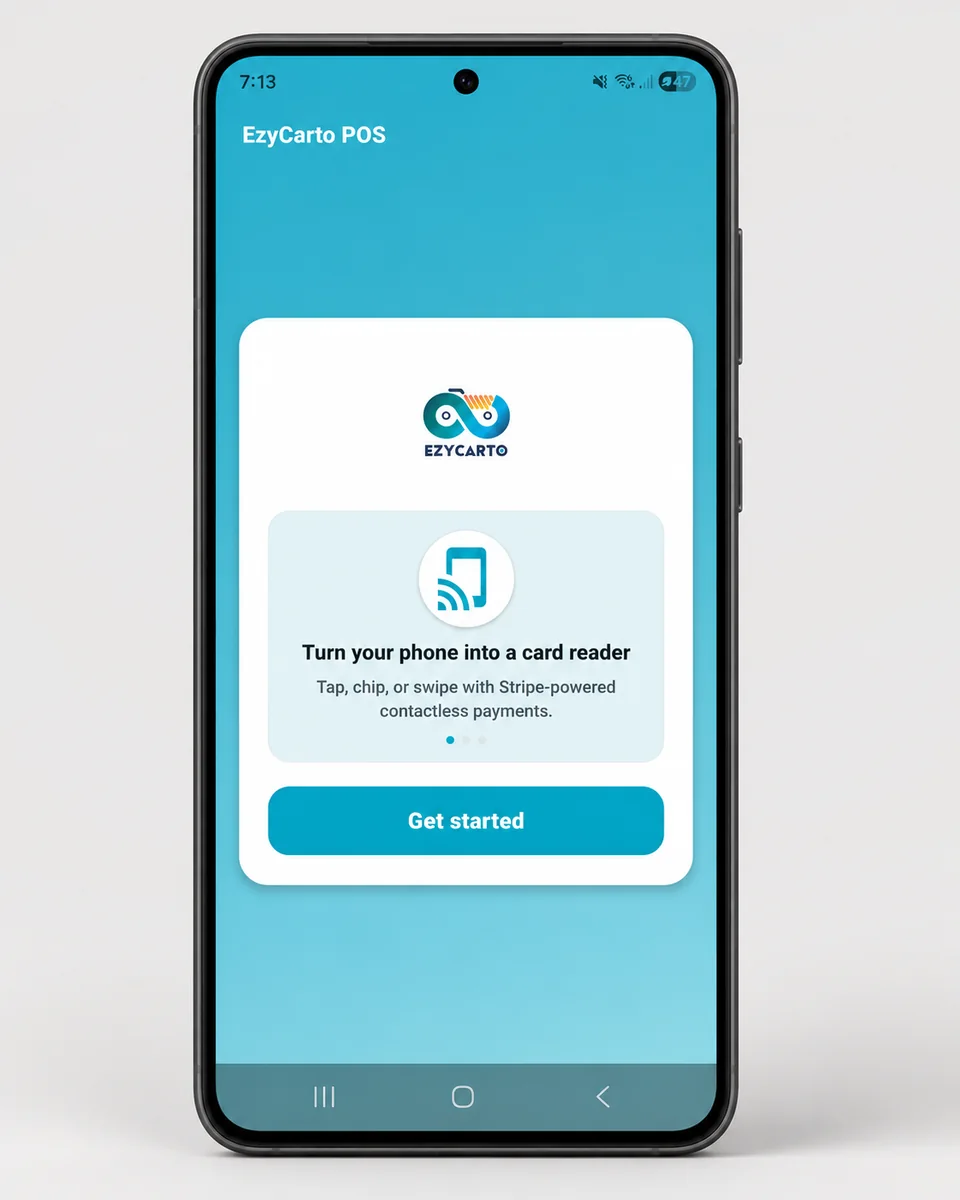
Mobile POS with cart checkout, camera scanning, and Tap to Pay on eligible Android and iPhone devices.
Portable ZIP: no installation required. Unzip and run.
Manage the retailer setup behind EzyCarto: products, inventory, locations, team access, rewards, communications, activity records, analytics, and subscription-controlled capabilities.
Explore Back OfficeWant to book a free 20-minute demo or ask anything about EzyCarto? Reach out and we will get back to you.
Get in touch with the EzyCarto team
Contact us